
What Claude Cowork Is

What Claude Cowork Is

Claude Cowork is an autonomous agent workspace that handles research, drafting, file operations, and cross-application tasks on your behalf. Instead of switching between tools and writing everything yourself, you configure a workspace that knows your domain, has access to your systems, and completes multi-step work without being guided at every stage.

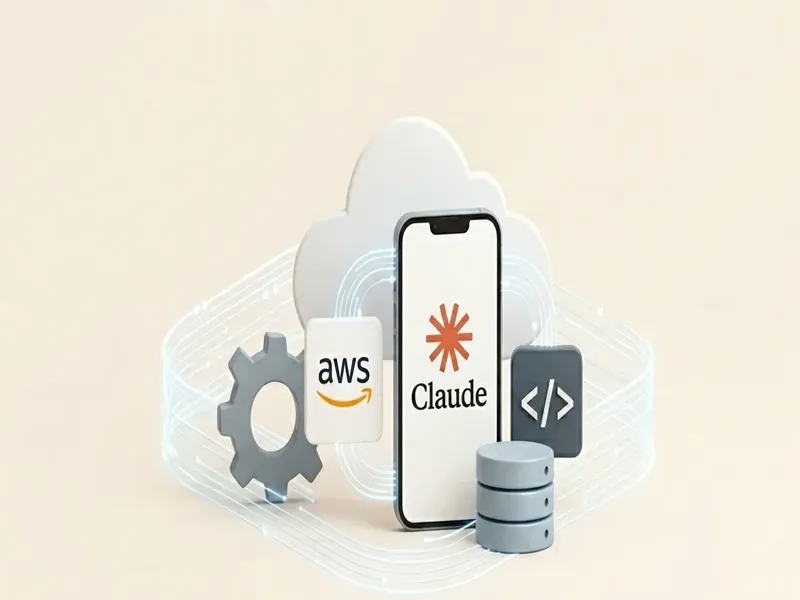
The core model is simple: a structured folder gives Claude its world, a CLAUDE.md sets the rules, skills define domain expertise, and MCP connectors give it access to business systems. The result is an agent that behaves consistently, improves over time, and scales from a personal desktop setup to a team or enterprise deployment without rebuilding what you already have.
Skills, Connectors & Integration

Skills, Connectors & Integration

Skills are the domain knowledge layer. A skill for legal review, procurement summarisation, or code generation gives Claude precise, repeatable instructions for a specific class of work. Skills live on disk where Claude can discover them, and they accumulate across projects so expertise compounds rather than starting over each session.

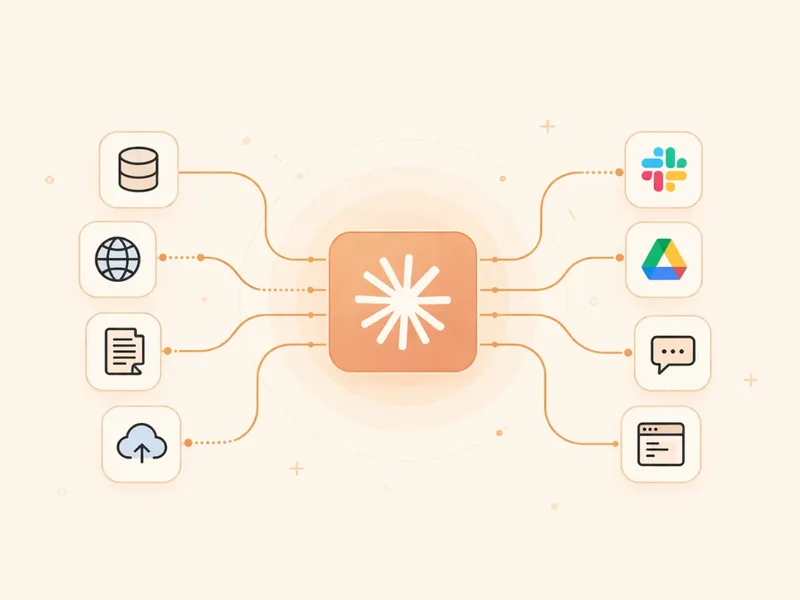
MCP connectors are the action layer. They wrap your existing REST APIs, CRM records, and internal databases into callable tools, making every business capability reachable by any agent without rebuilding infrastructure. The Microsoft 365 connector extends this to Teams, Outlook, and SharePoint inside your existing tenant. Together, skills and MCP are what separate a configured Cowork workspace from a generic AI assistant.

From Desktop to Agent Teams

From Desktop to Agent Teams

A personal Cowork workspace is the right starting point. Once the harness, skills, and connectors are proven, the same patterns scale to multi-agent teams where specialised agents own distinct responsibilities and coordinate through shared context. A dispatch agent routes work, specialists execute, and you monitor progress rather than being pulled into each step.

Dispatch extends this to remote operation. Trigger agent workflows from a phone or messaging integration, approve steps mid-task, and receive notifications when work completes without sitting at your desk. Enterprise deployment adds shared skill libraries, centralised MCP governance, and licensing that fits the organisation. Every capability built individually transfers directly to the team layer.

16
modules from setup to enterprise
4 days
to a fully configured workspace
24/7
agents work without supervision
1 plan
from desktop to team deployment
From First Setup to Autonomous Agent Teams
Configure 3 steps
01
Set Up a Workspace Claude Understands
Claude Cowork treats a folder as its world. Structuring that folder correctly — with a CLAUDE.md that states clear rules, a session directory it can inspect, and version control from day one — is the difference between an agent that delivers consistent results and one that surprises you. This step covers the harness configuration that every reliable Cowork deployment is built on.
02
Give Claude Domain Expertise Through Skills
Skills are structured markdown files that give Claude repeatable, domain-specific instructions. A skill for legal review behaves differently from one for code generation or procurement summarisation. Defining where skills live on disk, how Claude discovers them, and how to keep them current is what transforms a general-purpose AI into a specialist that your team can rely on for a specific class of work.
03
Connect Any Business System via MCP
Model Context Protocol turns your existing REST APIs and data sources into tools Claude can invoke directly. Whether it is a CRM, a document store, an approval system, or an internal database, MCP wraps it into a reusable capability any agent can call without rebuilding your infrastructure. This step covers server design, registration, and the security boundaries that keep automated access controlled and auditable.
Automate 3 steps
04
Persistent Memory Through Projects
Claude Projects give the agent a persistent memory that builds over time. Attached documents, instructions, connected skills and connectors, and style settings all persist across sessions so Claude does not start from scratch every time. This step covers how to structure a project for a recurring business workflow so context accumulates rather than disappearing at the end of each conversation.
05
Automate Any Desktop Application
Computer use lets Claude interact with any application on your desktop the way a person would: clicking, typing, reading screens, and navigating interfaces. This is the path to automating legacy systems, thick-client applications, and any tool without an API. Combined with Skills and MCP, it covers the last mile of automation for workflows that cannot be reached any other way.
06
Operate Inside Microsoft 365 and Office Add-ins
Claude Cowork integrates directly with Microsoft 365 through the M365 connector and Office add-ins, giving it access to Teams, Outlook, SharePoint, and Office documents inside your existing tenant. Employees trigger Cowork tasks from the tools they already use every day without switching applications. Each action respects the identity and permission model your organisation already has in place.
Scale 2 steps
07
Orchestrate Multi-Agent Teams From a Single Dispatch
When a task is too large or complex for a single agent, Claude Cowork supports multi-agent orchestration where specialised agents each own a distinct responsibility and coordinate through a shared context. A dispatch agent routes work, specialist agents execute, and you observe progress without being pulled into every step. This step covers the orchestration patterns that let small teams manage agent workflows at enterprise volume.
08
Deploy at Team and Enterprise Scale
Moving from a personal workspace to a team deployment requires shared skill libraries, consistent harness standards, remote dispatch, and a licensing model that fits the organisation. This step covers the operational patterns that keep a growing Claude Cowork deployment maintainable: what to centralise, what to leave per-user, how to govern MCP access, and how to evaluate agent quality as the team and workload grow.